We’re here to support your success, whether it’s acing exams, completing assignments, or navigating proctored tests. Reach out for expert, confidential assistance.

Phone

+1 (902) 705-9068

Social Links

Exam Strategies & Tips

The Ultimate 2025 Guide to Navigating ProctorU Exams: Tips, Risks, and Expert Solutions

Struggling with ProctorU’s strict monitoring? This guide explains how ProctorU works, its anti-cheating features, and how to prepare for your exam, or let ProWriters handle it for you. Learn about setup, risks, and expert assistance to pass your proctored exams stress-free! Get help now.

The Ultimate 2025 Guide to Navigating ProctorU Exams: Tips, Risks, and Expert Solutions

Overwhelmed by ProctorU’s strict monitoring? You’re not alone. Many students find online proctoring stressful, especially with the advanced AI and live proctoring features introduced in 2025 . If this guide feels too complex or you’re short on time, ProWriters is here to help. We offer exam setup, technical optimization, and full exam assistance, so you can focus on success, not stress.


Table of Contents

  1. What Is ProctorU?
  2. Can You Cheat on ProctorU in 2025?
  3. How ProctorU Prevents Cheating in 2025
  4. Step-by-Step: How to Use ProctorU for Your Exams
  5. Common Mistakes and How to Avoid Them
  6. Consequences of Cheating on ProctorU
  7. How ProWriters Can Help You Succeed
  8. FAQs About ProctorU

1. What Is ProctorU?

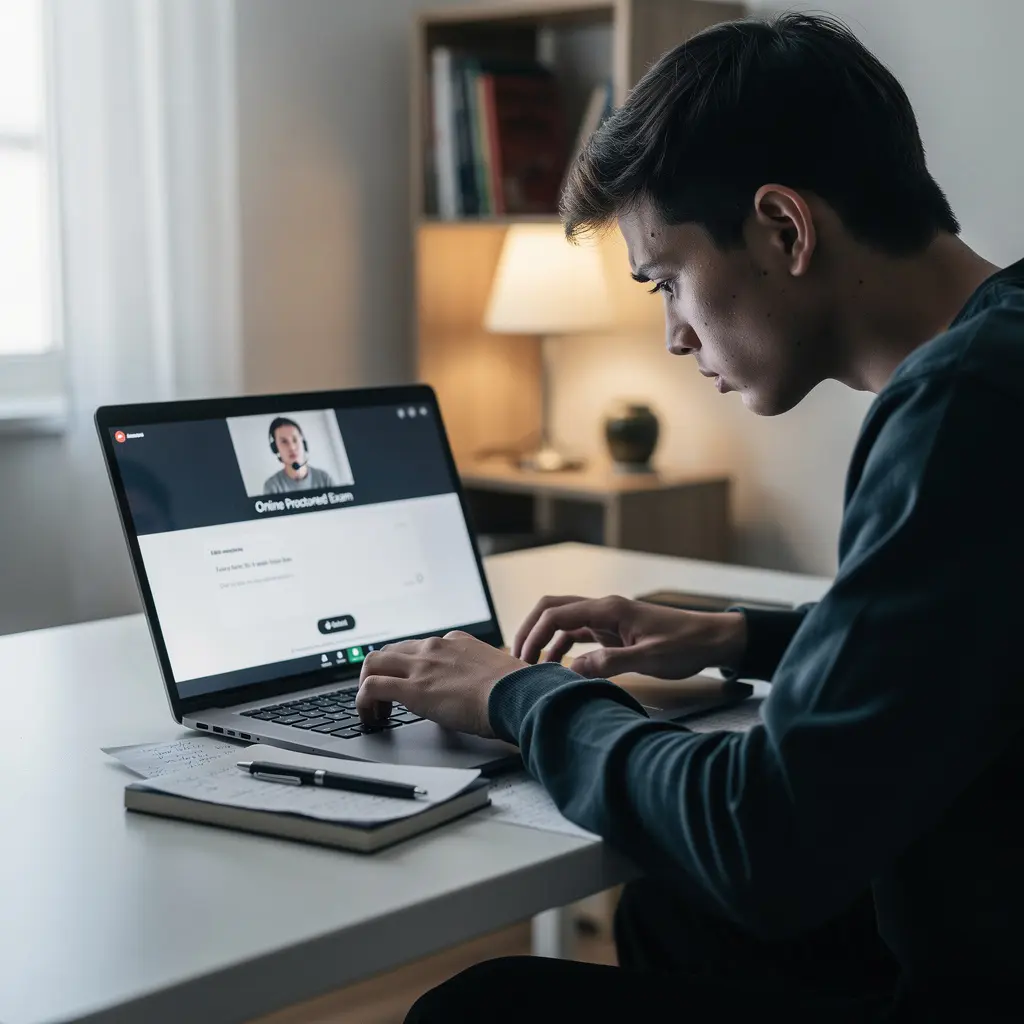
ProctorU is an online proctoring service used by schools, universities, and certification programs to monitor students during remote exams. Its goal is to prevent cheating and ensure academic integrity by using a combination of AI monitoring, live proctors, facial recognition, and browser lockdowns.

Why Is ProctorU So Strict?

In 2025, ProctorU has upgraded its security features to combat increasingly sophisticated cheating attempts. The platform now uses:

  • Dual-camera systems (for high-stakes exams) to eliminate blind spots.
  • Advanced AI that learns from cheating patterns and flags suspicious behavior in real time.
  • Biometric verification to confirm the test-taker’s identity throughout the exam.

What Do You Need for a ProctorU Exam?

Before taking a ProctorU exam, ensure you have:

  • A ProctorU account (registered as a test-taker).
  • A computer with a webcam and microphone (no tablets or phones).
  • High-speed internet (wired connections are recommended).
  • A quiet, well-lit room with no distractions.
  • The Guardian Browser or Extension , depending on your exam type.

Struggling with setup? ProWriters can configure your system for you—guaranteed compatibility and zero technical issues.


2. Can You Cheat on ProctorU in 2025? 

Short answer: It’s extremely difficult. ProctorU’s 2025 updates have made cheating nearly impossible for the average student. The system now uses:

  • Real-time AI monitoring to detect unusual behavior (e.g., looking away, whispering, or accessing unauthorized materials).
  • Live proctors who watch multiple students simultaneously and can intervene if something seems off.
  • Screen recording and browser lockdowns to prevent opening new tabs or applications.

Why Students Still Try (And Fail)

Despite the risks, some students attempt to cheat using:

  • Virtual machines (detectable by ProctorU’s system scans).
  • HDMI splitters or secondary monitors (flagged by AI and dual-camera systems).
  • Pre-recorded footage or fake backgrounds (easily caught by facial recognition).

Result? Most attempts fail, leading to severe consequences (more on that later).

Feeling unprepared? Instead of risking your academic future, let ProWriters handle your exam, we guarantee undetected, professional assistance.


3. How ProctorU Prevents Cheating in 2025

ProctorU’s multi-layered security makes it one of the toughest proctoring platforms in 2025. Here’s how it works:

A. Facial Recognition & ID Verification

  • Confirms the test-taker’s identity before and during the exam.
  • Detects impersonation by comparing live footage to your ID photo.

B. AI-Powered Behavior Monitoring

  • Tracks eye movement, background noise, and screen activity.
  • Flags suspicious actions (e.g., looking off-screen, talking, or using a phone).

C. Browser and System Lockdown

  • Blocks unauthorized tabs, applications, and keyboard functions (e.g., copy-paste, printing).
  • Records your screen and webcam for post-exam review.

D. Live Proctors & Recorded Sessions

  • Live proctors monitor 6 students at once, intervening if they spot cheating.
  • All sessions are recorded and reviewed for suspicious activity.

E. Dual-Camera Systems (For High-Stakes Exams)

  • Some exams now require two cameras to eliminate blind spots and detect hidden notes or devices.

Bottom Line: ProctorU’s 2025 security is nearly foolproof. If you’re not prepared, ProWriters can take the stress off your shoulders.


4. Step-by-Step: How to Use ProctorU for Your Exams

Before the Exam

  1. Register for a ProctorU Account

    • Sign up as a test-taker (not an instructor) at ProctorU.com.
    • Follow your institution’s instructions for scheduling.
  2. Download the Guardian Browser or Extension

    • Required for most exams. Ensure it’s compatible with your system.
  3. Test Your Equipment

    • Check your webcam, microphone, and internet connection at least 24 hours before the exam.
    • Close all unauthorized programs and disconnect secondary monitors.
  4. Prepare Your Exam Space

    • Choose a quiet, well-lit room with no distractions.
    • Remove all non-essential items (notes, phones, extra screens).

During the Exam

  1. Log In Early

    • The startup process can take 3–12 minutes, so log in ahead of time.
    • Follow the pre-check process (identity verification, room scan).
  2. Stay Focused

    • Avoid looking away from the screen or talking to yourself.
    • If you need help, use the chat box to communicate with your proctor.
  3. Submit Your Exam Properly

    • Alert the proctor before submitting.
    • Log out of the exam site and close all browser tabs as instructed.

Technical issues? ProWriters can set up your exam environment to ensure everything runs smoothly.


5. Common Mistakes and How to Avoid Them

Mistake 1: Poor Internet Connection

  • Problem: Weak Wi-Fi can disrupt your exam or trigger ProctorU’s AI to flag you for suspicious activity.
  • Solution: Use a wired connection and test your internet speed beforehand.

Mistake 2: Unauthorized Materials

  • Problem: Having notes, phones, or extra monitors in view will get you flagged.
  • Solution: Clear your desk and follow ProctorU’s rules strictly.

Mistake 3: Looking Away from the Screen

  • Problem: ProctorU’s AI interprets this as cheating.
  • Solution: Keep your eyes on the screen and avoid distractions.

Mistake 4: Not Testing Equipment in Advance

  • Problem: Last-minute technical issues can cause panic and delays.
  • Solution: Do a full system check 24 hours before your exam.

Need a stress-free exam experience? ProWriters can handle the technical setup and exam-taking for you.


6. Consequences of Cheating on ProctorU

Getting caught cheating on ProctorU can lead to:

  • Exam cancellation or a failing grade .
  • Academic probation, suspension, or expulsion .
  • Legal action (in extreme cases).
  • A permanent mark on your academic record, affecting future opportunities.

Your academic reputation is at stake. Instead of risking it, let ProWriters help you succeed legitimately.


7. How ProWriters Can Help You Succeed 

At ProWriters, we specialize in helping students navigate ProctorU exams with confidence. Our services include:

A. Exam Setup & Technical Optimization

  • We configure your computer to meet ProctorU’s requirements.
  • Ensure compatibility, security, and a seamless exam experience.
  • Price: $140 (one-time fee).

B. Full Exam Assistance

  • Our experts take your exam for you, providing accurate answers and undetected support.
  • Price: $300 per exam session.

Why Choose ProWriters?Guaranteed confidentiality and securityUndetected, professional assistanceStress-free exam experience

Contact us today and let us handle the hard work for you!


8. FAQs About ProctorU 

Q: Is ProctorU safe?

A: Yes, ProctorU is secure during exams, but it monitors your screen, webcam, and microphone closely. After the exam, it does not interfere with your privacy.

Q: Can ProctorU see my screen?

A: Yes. The Guardian Browser records your screen and flags any suspicious activity.

Q: What if I get flagged for cheating?

A: ProctorU alerts your institution , which then decides on consequences. Avoid risks by preparing properly or using ProWriters’ services.

Q: Can I use a virtual machine or HDMI splitter to cheat?

A: No. ProctorU’s 2025 updates detect virtual machines and external monitors . These methods are high-risk and often fail.


Final Thoughts

ProctorU’s advanced security makes cheating nearly impossible, and the consequences aren’t worth the risk. If you’re struggling with exam prep or technical setup, ProWriters is your best solution. We offer expert setup, full exam assistance, and guaranteed confidentiality, so you can focus on success, not stress.

Ready to pass your ProctorU exam with confidence? Get in touch now and let us make your exam experience seamless!


7 min read
Dec 10, 2025
By June Scott
Share

Leave a comment

Your email address will not be published. Required fields are marked *

Related posts

Dec 10, 2025 • 5 min read
Mastering Remote Exams: How ProWriters Expertly Handles Proctoring Software for Your Success

Discover how ProWriters expertly bypasses proctoring software like ProctorU, Respondus, Honorlock, a...